Matches tab improvements
Search by tags improvements

Hi everyone! June brings a dashboard update with a couple of new QoL features. The first one is for everybody who plays many matches and strongly uses tags. From now the filtering matches by tags will be more flexible. There are three scopes of filtering:
– and – if you put multiple tags in here, the matches should be tagged by all of them. For example – if you have a match with tags #tournament #national #paris and you put to the filter #tournament and #lyon this match will be hidden because it doesn’t have the #lyon tag. But if you filter by #tournament and #paris it will be shown. Basically, this is the old behavior.
– or – it searches all the matches with at least one of the given tags. For example:
Match1 has tags #tournament #lyon
Match2 #tournament #paris
Match3 #tournament #marsille
and we put to the search fields #lyon , #paris it will show Match1 and Match2.
– not – basically it hides all the matches with a given tag. If you put there more than one tag, it will exclude all the matches with each tag separately. For the example from above if you put their #tournamet it will hide all the matches. If you put there #lyon and #paris it will hide Match1 and Match2 but Match3 will be still visible.
Persistent search filters. Finally!
Small feature but worth mentioning. Refreshing the page or editing the match will no longer reset your filters! So if you edit the unfinished match (this is – I think – the most common case) it won’t disappear after the editing, it will be still there =)
Match note
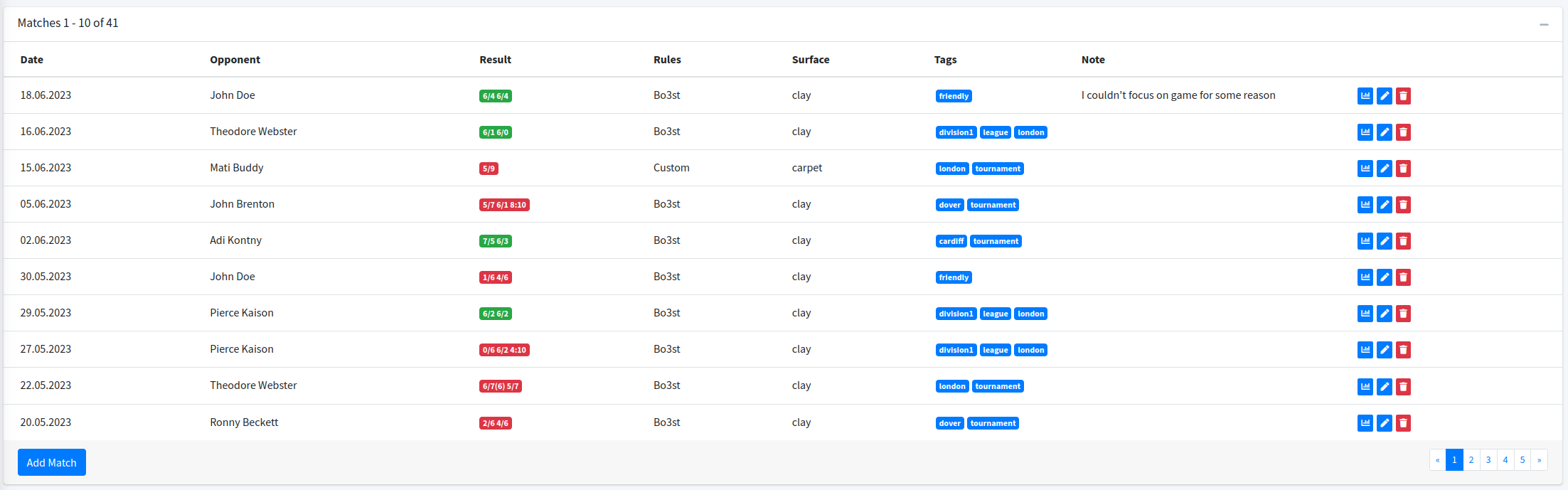
This is a tiny feature, but it could be very useful if we want to put some specific information about the match. For example, you can store here information that why the match was finished earlier, or specific weather conditions like “I lost because it was too windy”. Or “opponent was super annoying”. “I ran out of power, definitely I need to improve my power management” and so on, so far. I think you will find some special usage for this 🙂
Change match result
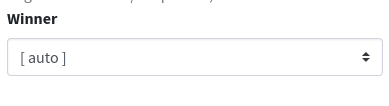
This feature is dedicated to all of the matches, which are marked as unfinished but should be finished, because of injury or opponent (or your) withdrawal. If you finish the match with a not complete result (for example 6/2 4/1 and the opponent withdraws, you can edit this match and mark it as won by you. If you put [auto] the winner will be calculated by the app as it was done previously, and this is a default behavior.
Point by Point tab
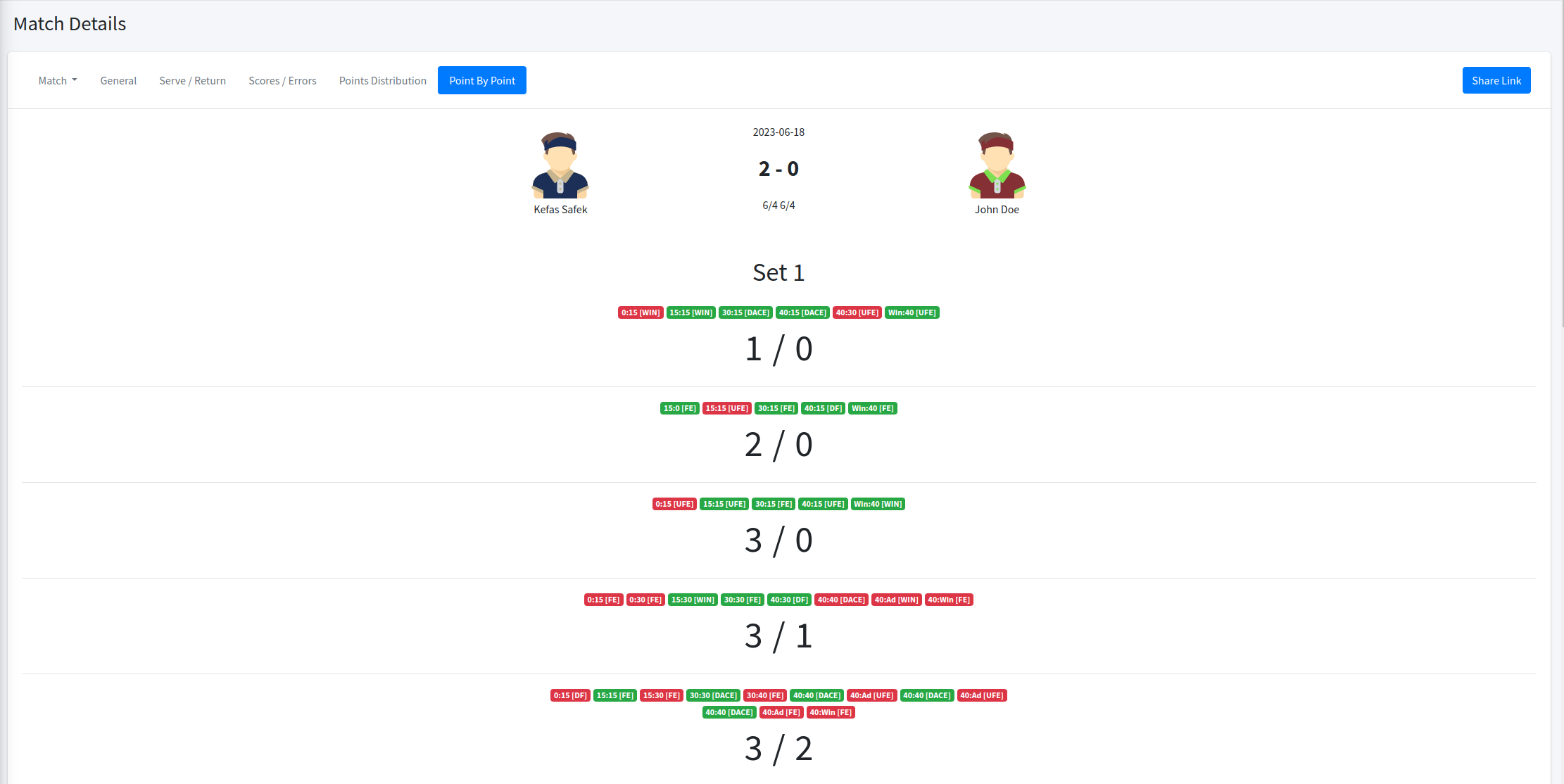
I added the new tab to the match summary, it is point by point tab. There you can see how the match went, with the all single points. The green points are yours and the red is assigned to your opponent. Each point has a label with the current in-game result and the point type, so you can recognize how you winning (or loosing) the last point of the games or the most important points. The layout of this tab will be probably changed in the future, at the moment I don’t have a better idea of how to show that much info in one view. I hope it is readable for you 🙂